
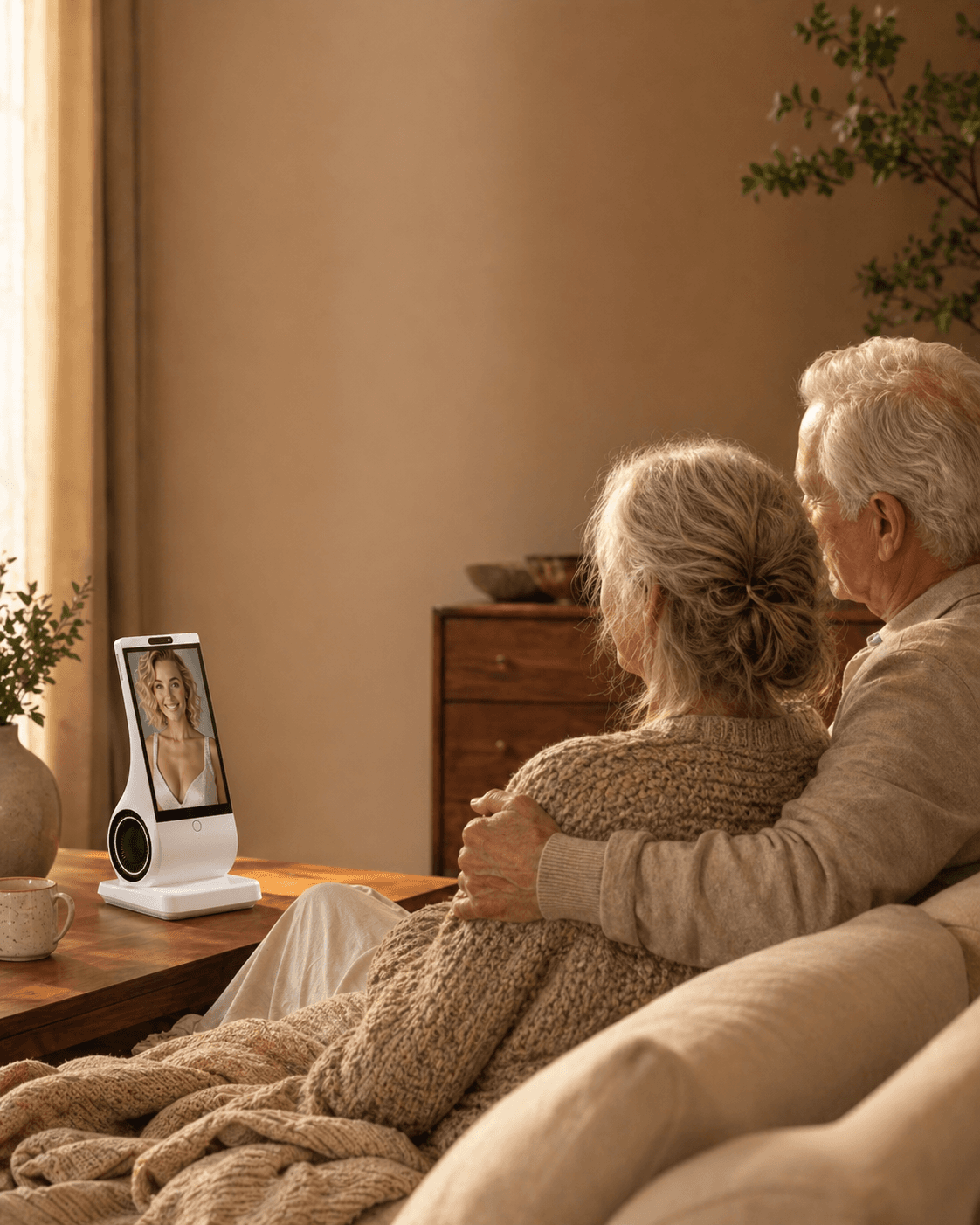
Usually, no—not by default. Helping an older parent set up an AI companion should not give family members automatic access to private conversations. A safer design separates four things: private dialogue, user-chosen summaries, narrow device or routine updates, and genuine emergency escalation. Any sharing should be specific, visible, revocable, and matched to the older adult’s wishes and decision-making capacity. Laws vary, so care settings may need local professional advice.
Reviewed and updated: July 31, 2026
What “family access” can mean
“Can I see what my parent says to the companion?” sounds like one question, but it can describe very different capabilities:
- Raw access: a family member can read transcripts, replay audio, or inspect saved memories.
- User-chosen sharing: the older adult selects a note, reminder, photo, or conversation point to send.
- Operational updates: a helper can see whether the device is online, needs attention, or has completed a non-sensitive setup step.
- Routine summaries: the system turns conversation into a short update about mood, activity, medication, or daily life.
- Safety escalation: the system flags a defined risk or contacts a named person.
These are not interchangeable. A connection light reveals far less than a transcript. A summary may still expose health, finances, relationships, or private thoughts. A safety alert can also be wrong. Before buying, ask the vendor to name exactly what is collected, what is inferred, who can see it, and whether the user can revoke access.
The practical boundary: support is not surveillance
An older adult does not lose ordinary privacy because a relative bought or configured a device. In a 2024 co-design study with 28 older adults, participants wanted companion robots to protect privacy, give them control over learned data, and behave more passively in social settings. That finding does not create a universal rule, but it is a useful design signal: people want companionship and control together.
Official guidance points in the same direction. The US Federal Trade Commission advises voice-assistant users to check when a device listens, how recordings are stored, who can hear them, which accounts are connected, and whether old recordings can be deleted. UK Information Commissioner guidance for consumer connected products says privacy information should reach every potential user and that multi-user products should make roles, sharing controls, and access history visible.
Care contexts add another layer. UK Care Quality Commission guidance says people usually need to consent before technology is used as part of care or treatment and recommends legal advice before monitoring without explicit consent. That guidance applies to regulated care settings in the UK, not every family or country. It illustrates why “I am worried” is not, by itself, a universal authorization to read someone’s private conversations.
If a person’s capacity to understand or decide is in question, do not turn a consumer companion into an improvised monitoring system. Capacity, legal representation, safeguarding duties, and emergency authority vary by jurisdiction and situation. Get local professional advice.
A four-layer sharing model
Use the least revealing layer that can solve the actual problem.
Layer 1: Private companion conversation
The default is no family transcript access and no hidden listening. The user can review or delete their own data where the product supports it. This layer fits everyday reflection, companionship, grief, relationships, and other sensitive topics.
Layer 2: User-initiated sharing
The user deliberately sends a reminder, shopping item, story, or summary to a named person. The system shows what will be shared before it leaves the account. This preserves agency because sharing is specific rather than permanent.
Layer 3: Agreed routine signals
The family and older adult define narrow updates such as “device offline,” “scheduled video call accepted,” or “please call me.” Avoid converting conversation into medical, emotional, or cognitive conclusions. A routine signal should describe an observable event, not diagnose the person.
Layer 4: Separate safety system
Falls, missed medication, wandering, abuse, self-harm, and medical emergencies require tools and people designed for those risks. A companion’s conversational guess is not equivalent to a medical alert, clinical assessment, or emergency response chain. If safety monitoring is needed, specify the sensor, trigger, recipient, response time, fallback, and test schedule separately.
The rule is simple: do not collect Layer 1 content to solve a Layer 3 setup problem, and do not treat a Layer 4 emergency need as a reason for unlimited Layer 1 access.
Write a specific sharing agreement before enabling access
Name the information, recipient, reason, access method and review date. Conversation transcripts, saved memories, technical support access and a user-chosen update are different permissions. Do not bundle them under a vague promise of peace of mind.
Confirm that the user understands the arrangement and can revisit or withdraw it using the product's actual controls. If the requested separation of permissions is unavailable, say so; a family agreement cannot create a missing technical control.
Define what the recipient should do with the information and what they must not infer. Silence is not proof of safety, and a summary is not a clinical assessment. Resolve consent and applicable legal questions directly; no sharing score can authorize monitoring or override refusal.
A five-step family setup checklist
1. Ask the older adult what problem they want solved
Start with their goal: more conversation, easier reminders, help placing calls, or reassurance that the device works. Do not start with the family dashboard.
2. Draw the information boundary
Write down what stays private, what may be shared, with whom, for how long, and for what purpose. Include conversation audio, transcripts, summaries, memory, photos, device status, and emergency information as separate items.
3. Test access together
Sign in, inspect permissions, trigger a harmless test, and show the user exactly what the family member receives. Check whether the product records who viewed, changed, exported, or deleted data.
4. Build a non-AI fallback
Keep scheduled calls, neighbors, caregivers, clinicians, medical alert systems, and emergency numbers appropriate to the person’s situation. The companion should not become the only route to help.
5. Set an expiry date
Review the arrangement after seven days, then monthly, and immediately after a health change, move, new caregiver, software update, or account change. Remove access that no longer has a specific purpose.
A practical consent timeline
Before purchase: compare transcript access, summaries, caregiver roles, account recovery, retention, deletion, and emergency claims. Reject vague answers.
Setup day: let the older adult choose settings where possible. Explain listening indicators, what is stored, and every person who can access the account.
After 24 hours: check for accidental activation, unexpected summaries, confusing notifications, or shared information the user did not anticipate.
After seven days: ask the user privately whether the device feels helpful or watched. Review the specific permissions and whether the user still wants them.
Every month: review access logs, connected accounts, saved memories, retention settings, and whether the original purpose still exists.
After any material change: obtain fresh agreement when a new person, new data type, new inference, or new emergency feature is introduced.
Common misconceptions—and the correction
“I bought the device, so I own the conversations.”
Correction: Paying for hardware or a subscription does not automatically give the buyer ethical or legal authority over another adult’s private speech or personal data.
“A summary is anonymous and harmless.”
Correction: A short summary can reveal depression, conflict, finances, medication, grief, or cognitive concerns. Ask what source material was used and who can challenge an incorrect inference.
“Monitoring is safer than respecting privacy.”
Correction: Hidden or excessive monitoring can reduce trust and make a person avoid the device or withhold important concerns. Safety needs a defined response system, not unlimited data collection.
“Consent at setup lasts forever.”
Correction: People, caregivers, software, and needs change. Meaningful consent should be specific, understandable, and revisitable.
“AI can tell the family when something is medically wrong.”
Correction: Conversation is not a validated clinical assessment. Mood, memory, or medication inferences can be incomplete or wrong and should not replace clinicians, caregivers, or emergency tools.
When family access may be appropriate—and when it is not
Narrow access may be reasonable when the older adult asks for it, understands what will be shared, can change their mind, and the recipient has a defined task. Examples include helping with device setup, receiving a user-selected reminder, or seeing a connection-status alert.
Do not rely on a consumer AI companion for covert surveillance, proof of medication adherence, dementia diagnosis, abuse investigation, suicide-risk assessment, or emergency response. Do not share raw conversations merely because a family relationship is difficult or because a relative lives far away.
If coercion, abuse, severe cognitive impairment, self-harm, or immediate danger is involved, use qualified local support. The right next step may involve a clinician, safeguarding professional, lawyer, emergency service, or formally appointed representative—not broader companion access.
Where EUVOLA fits
EUVOLA is a dedicated, voice-first companion device for home conversation, personalization, and reminders. It has no camera. Its public FAQ says original conversation audio and text are deleted after model processing; long-term memory is retained for continuity and can be deleted by the user. Model improvement can be turned off, and long-term memory is not used for model training.
EUVOLA does not currently provide family messaging, photo sending, conversation viewing, conversation summaries, family accounts, or permission management. Remote setup is planned but not currently available. It also does not confirm medication intake, notify family about missed medication, detect falls, call emergency services, or work as a medical alert.
That means EUVOLA may suit an adult who wants a private home companion, but it is not a fit today if the buying requirement is a caregiver dashboard or family access to conversations. Check the current FAQ before purchase because features and policies can change.
Questions to ask any AI companion vendor
- Can the buyer read the user’s transcripts, audio, summaries, or saved memory?
- Is each type of sharing off by default, and can the user enable it separately?
- Can the user see who accessed data and revoke access without the helper’s permission?
- Are summaries factual extracts or AI-generated inferences, and can the user correct them?
- What is stored, for how long, and what is deleted after processing?
- What happens when the user, buyer, and account administrator are different people?
- Which safety claims have been independently validated?
- What still works during an outage, account lockout, cancellation, or company shutdown?
Frequently asked questions
Can I monitor my older parent’s AI companion conversations?
Not by default. First confirm the person’s informed agreement, the legal context, and the exact purpose. Prefer a user-chosen note or narrow operational signal over raw transcripts. If the product offers only all-or-nothing access, treat that as a warning.
What if I paid for the device and subscription?
Payment makes you the purchaser; it does not necessarily make you the data subject or authorize access to another adult’s conversations. Separate billing, administration, and conversation permissions.
Are AI-generated family summaries safer than transcripts?
They can expose less detail, but they add inference risk. A summary may omit context or wrongly label mood, memory, or intent. The user should know the source, see what will be sent, and be able to correct or stop it.
What if my parent has dementia?
Dementia does not automatically settle capacity or consent. Ability can vary by decision and over time. Use simple explanations, involve the person as much as possible, and seek local clinical or legal guidance when capacity or representation is uncertain.
Can an AI companion alert me if my parent misses medication?
Only trust a feature that is explicitly documented and validated for that purpose. Conversation cannot prove that medication was taken. Use a medication-management or care process designed for adherence if that is the need.
Should family members share the older adult’s login?
Usually no. Shared credentials hide who accessed data and make revocation difficult. Prefer named roles, separate accounts, least privilege, multi-factor authentication, and access logs when a product supports them.
What if the older adult asks the AI to contact family?
User-initiated sharing can be appropriate if the system shows what will be sent, confirms the recipient, and has a fallback when delivery fails. It is not the same as permanent family access.
Does EUVOLA let family members read conversations?
No. EUVOLA’s current public FAQ says conversation viewing, summaries, family accounts, and permission management are not available. Buyers who require those functions should choose a different, purpose-built system or wait for verified product changes.
Sources
- EUVOLA FAQ: product, privacy, family access, and safety boundaries
- US Federal Trade Commission: How to secure a voice assistant and protect privacy
- UK Information Commissioner’s Office: Transparency and multi-user controls for consumer IoT
- UK Information Commissioner’s Office: What information IoT products use
- PubMed: Recommendations for designing conversational companion robots with older adults
- NIST Privacy Framework
- Care Quality Commission: Consent when technology is used as part of care
- PubMed: Digital Conversation Companions