
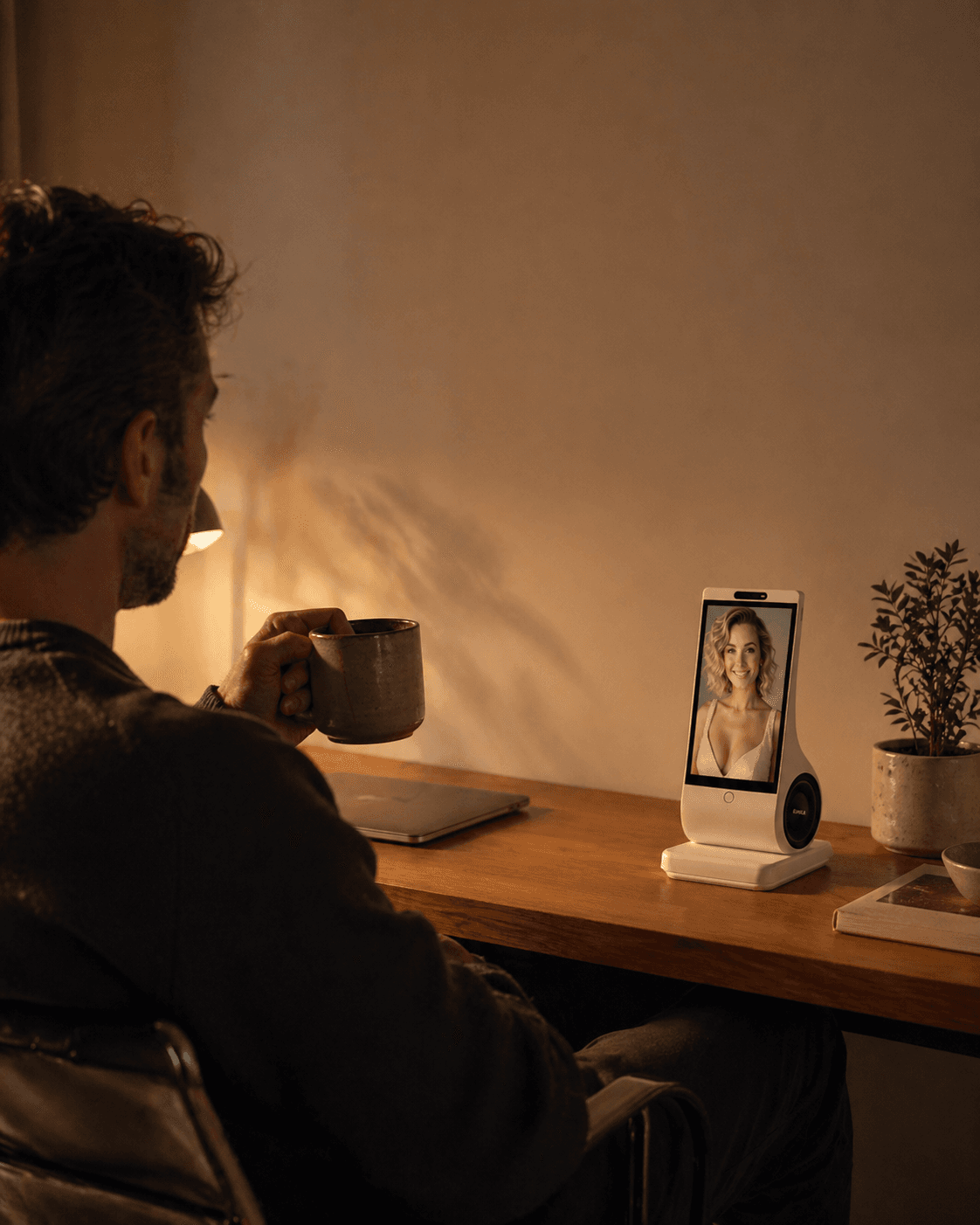
If a voice AI companion answers before you have finished thinking, first distinguish two problems: it takes your turn too early, or it stops its own reply when it hears a sound. Those need different controls. Check the product's documented options, try a harmless conversation at your normal pace, and change the arrangement if you still cannot finish. A chatbot promising to wait is not proof that its listening controls changed.
This guide is for adults troubleshooting everyday conversation. EUVOLA, a companion-device seller, publishes it. The examples are editorial exercises, not product tests, a diagnosis or a guaranteed fix.
Identify who was speaking when the interruption happened
If you pause to find a word and the AI starts answering, the problem is that your turn ended before you intended. Look for a documented way to submit a complete turn yourself or adjust waiting time. Do not assume either exists.
If the AI is speaking and stops after you cough or someone nearby speaks, that is a different observation. A control allowing you to interrupt the AI may be relevant, but changing it does not establish that the system will wait longer during your pauses.
For example, Google's Android Gemini Live help describes “Interrupt Live responses” as controlling whether your speech can interrupt Gemini. It is not described as an input-wait timer. This is a documentation example, not a comparison test or an EUVOLA setting.
If there is silence with no clear state, record that separately. From the silence alone, you cannot establish whether the system is listening, processing or disconnected. Do not keep repeating private information to discover which.
Choose a control you can actually use
Read the current instructions for your exact app, device and mode. If there is a manual send or hold-to-speak control, check whether it keeps your input together until you submit it. A button that merely mutes the microphone may do something else. Verify its behavior before relying on it.
If a waiting-time adjustment exists, try it with an ordinary thinking pause. Changing the speed of the spoken answer is a separate adjustment. Slower output does not establish that you have more time to speak.
You can ask for one question at a time and a short answer, but treat that as a conversation request. If it is ignored, do not spend the session repeatedly negotiating with the chatbot. Switch to a documented control, text input or another arrangement that works for you.
The W3C voice-interface research draft, dated 5 February 2026, discusses additional response time for some users. It is work in progress, not product certification. Your practical requirement can simply be that you need room to think; this guide does not assign a cause or diagnosis.
Recover the unfinished thought without accepting its guess
Stop the premature reply using a documented control. Then restate the complete thought, including the part that changed. For example: “I was describing an imaginary trip. I want a quiet afternoon, not a busy itinerary. I had not finished: I also need somewhere indoors.” This is an invented, low-stakes example.
Ask for a short account of what it understood before continuing. Check that the indoor requirement survived and that the AI did not retain the rejected busy itinerary. A fluent answer to the first half of your sentence is not evidence that the second half was heard.
If the conversation involved a reminder, booking or another action, stop and check its actual state in the relevant service. Repairing the conversation does not cancel an earlier action or prove a replacement was saved. Use the reminder-verification guide for that separate task. Do not test recovery with payments, medication or emergency calls.
Keep a useful support note, then decide
Record the product and version if available, language, input mode, room conditions, who was speaking, what happened during the pause, the documented control tried, and whether the complete thought survived afterward. An invented sentence is enough; a support request does not need your private story or other people's recordings.
Change one relevant condition at a time. If nearby speech seems involved, try a quieter place without recording bystanders. For placement and ordinary room noise, see the home voice guide. Do not shout, hold your breath or remove natural pauses to accommodate the device. Repeat only while it remains comfortable; no number of attempts certifies reliability.
Ask support whether the needed control exists in your exact mode and how to use it. If it is unavailable or unusable, text, a different interface or a conversation with a person may fit better. A hands-free description does not prove that a touch control is reachable or that a person who cannot operate it has an adequate fallback.
For EUVOLA, the current FAQ describes a Wi-Fi-dependent voice companion. A configurable waiting time or manual turn submission has not been verified here. Do not buy assuming either exists. Check the actual interaction and return terms. Keep human contact, caregiving, clinical judgment and crisis or emergency help independent of a companion's ability to listen.